
Where: Start a business on Yogroo, in your browser.
Before you start
Have a Ghana phone number you control. Use your existing account if you already have one.
Steps
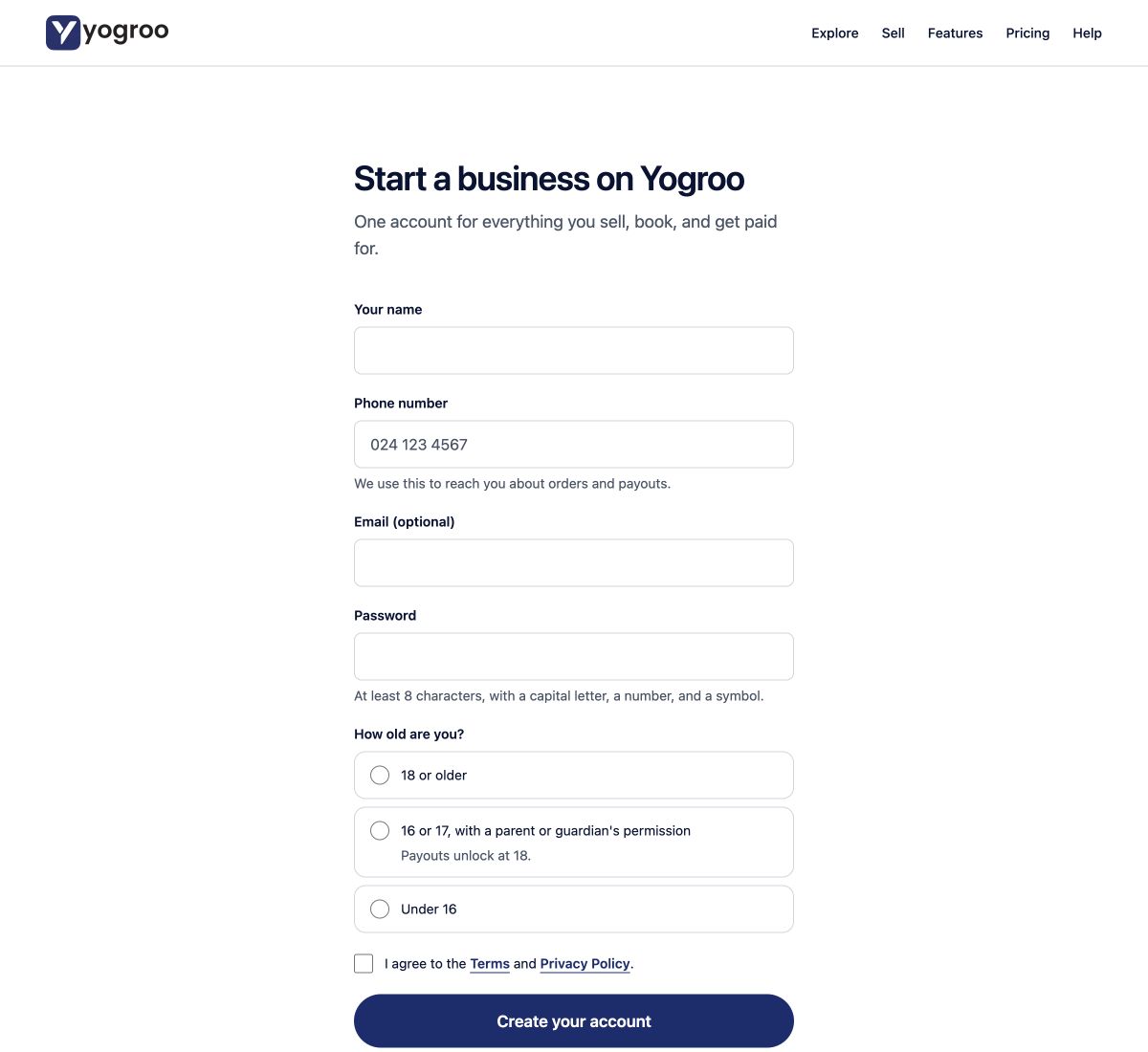
- Open the official start page. Enter Your name and Phone number. Email (optional) can be left empty; use an address you control if you supply one.
- Choose a unique Password with at least eight characters, a capital letter, a number and a symbol. Do not reuse your email password.
- Answer How old are you? truthfully. Under-16 registration is unavailable. At 16 or 17, you need a parent or guardian's permission and cannot withdraw funds until 18.
- Open and read the linked Terms and Privacy Policy. Select the agreement only if you agree, then choose Create your account.
- Continue to What does your business do? Choose I sell products for ready-made or thrift stock, or I make to order for bespoke work. Choose Open my shop. The appointments lane is paused; do not use it to bypass the supported business types.
- Keep using this account for your business. Finish the saved shop details before sharing a public link.
Check the result
You reach the business setup or dashboard on the same account. Open my shop in business selection does not replace checking the Website page's public shop status.
View account-form screenshot. Caption: the live, empty browser form on 29 October 2026, showing contact fields, age choices and document agreement. No account was submitted for this screenshot.
If something goes wrong
For a phone or password error, correct the named field. If the account already exists, use Log in. If the Terms change while the form is open, read the current versions and agree again only if you accept them. Contact Support if the account was created but business setup failed; do not register twice.
Get help
Email [email protected], or sign in to your support tickets. You do not need a seller account to email us. Include the shop link, order or payment reference, what happened, and a screenshot with private details hidden. Never send passwords, PINs, OTPs, full card numbers or identity documents by email.
Content owner: Yogroo Support
Content reviewed: 29 October 2026
If your screen differs from these instructions, contact Support before continuing.